

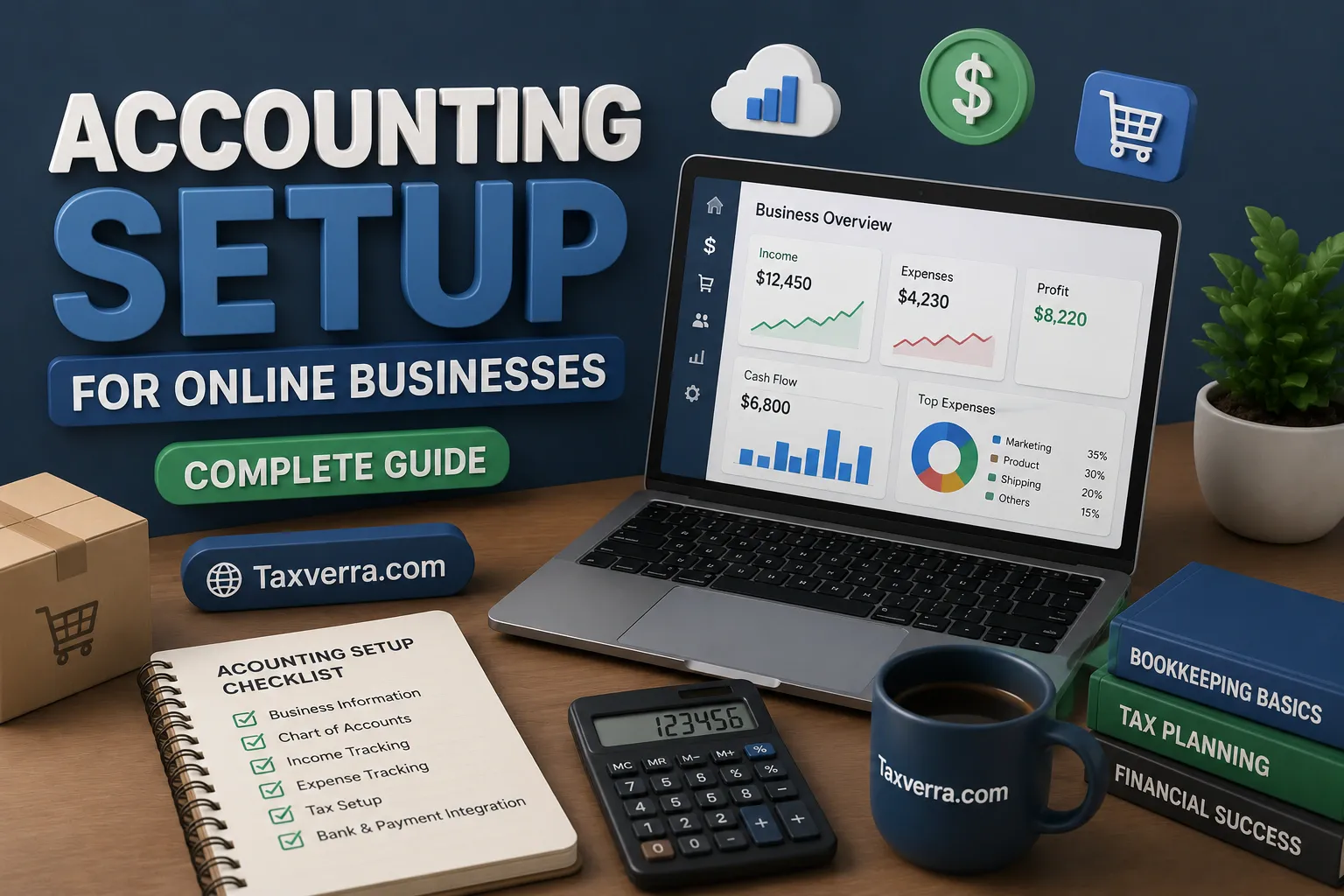
Starting an online business has never been easier. Entrepreneurs today can launch online stores, sell digital products, offer freelance services, or run dropshipping businesses from anywhere in the world. However, one critical aspect many online business owners overlook is proper accounting setup.
A well-organized accounting system helps track income, manage expenses, monitor profitability, and ensure tax compliance. Without proper financial records, online businesses may face cash flow problems, inaccurate reporting, and tax complications.
This guide explains how to set up accounting for online businesses step by step so you can maintain organized financial records and make better business decisions.
Why Accounting is Important for Online Businesses
Online businesses handle multiple financial transactions daily, including online payments, payment gateway fees, advertising costs, and supplier payments.
Proper accounting helps business owners:
- Track sales and revenue accurately
- Monitor business expenses
- Calculate profits and losses
- Manage taxes and compliance
- Understand business growth
Without an organized accounting system, it becomes difficult to analyze financial performance.
Choose the Right Business Structure
Before setting up accounting, online entrepreneurs should choose the appropriate business structure.
Common structures include:
Sole Proprietorship
A simple structure where the owner and business are legally the same entity.
Partnership
A business owned by two or more individuals sharing profits and responsibilities.
Limited Liability Company (LLC)
Provides liability protection and separates personal and business finances.
The chosen structure affects taxation, accounting requirements, and legal obligations.
Open a Business Bank Account
One of the most important accounting steps is separating business and personal finances.
Using a dedicated business bank account makes it easier to track transactions and prepare financial reports.
Benefits
- Clear financial records
- Easier bookkeeping
- Simplified tax reporting
- Improved financial transparency
Many payment platforms such as PayPal, Stripe, and online banking systems integrate easily with business accounts.
Set Up a Bookkeeping System
Bookkeeping is the process of recording financial transactions.
Online businesses typically follow one of two methods:
Single-Entry Bookkeeping
Simple system recording each transaction once.
Double-Entry Bookkeeping
Records each transaction as both debit and credit. This method is more accurate and widely used in professional accounting.
A structured bookkeeping system ensures financial transactions are properly recorded and organized.
Track All Revenue Sources
Online businesses often generate income from multiple channels.
Examples include:
- Online store sales
- Freelance services
- Affiliate marketing
- Digital products
- Advertising revenue
- Subscription services
Tracking every income source helps business owners understand which channels generate the most revenue.
Using accounting software or integrated eCommerce platforms simplifies revenue tracking.
Record All Business Expenses
Expense tracking is essential for understanding profitability and controlling costs.
Common expenses for online businesses include:
- Website hosting
- Domain registration
- Advertising and marketing
- Payment gateway fees
- Software subscriptions
- Inventory purchases
- Shipping costs
Proper expense tracking ensures accurate profit calculations and tax deductions.
Choose Accounting Software
Modern accounting software simplifies financial management for online businesses.
Popular accounting tools include:
- QuickBooks Online
- Xero
- Wave Accounting
- FreshBooks
These platforms offer features such as:
- Automated bookkeeping
- Invoice generation
- Expense tracking
- Financial reporting
- Tax preparation tools
Many eCommerce platforms like Shopify and WooCommerce integrate directly with accounting software.
Manage Inventory Properly
Inventory management is a critical part of accounting for product-based online businesses.
Poor inventory tracking can cause:
- inaccurate financial statements
- incorrect cost of goods sold
- stock shortages
Businesses should track:
- inventory purchases
- inventory sales
- remaining stock levels
Inventory management software can integrate with accounting systems to automate tracking.
Understand Cost of Goods Sold (COGS)
Cost of Goods Sold represents the direct costs associated with producing or purchasing products sold by the business.
Examples include:
- product purchase cost
- manufacturing costs
- packaging
- shipping from supplier
Tracking COGS accurately helps calculate gross profit.
Prepare Financial Statements
Online businesses should prepare regular financial reports to evaluate performance.
Income Statement
Shows revenue, expenses, and net profit.
Balance Sheet
Displays assets, liabilities, and equity.
Cash Flow Statement
Shows how cash moves in and out of the business.
These reports help business owners monitor financial health and make strategic decisions.
Monitor Cash Flow
Cash flow management ensures the business has enough funds to cover expenses and operations.
Common cash flow challenges in online businesses include:
- delayed payments from customers
- high marketing costs
- inventory purchases
Monitoring cash flow regularly helps avoid financial problems.
Plan for Taxes
Online businesses must comply with tax regulations in their operating country.
Common taxes include:
- income tax
- sales tax or VAT
- digital service taxes
Maintaining organized financial records simplifies tax reporting and reduces compliance risks.
Automate Financial Processes
Automation can significantly reduce accounting workload.
Examples include:
- automatic transaction imports
- recurring invoices
- expense categorization
- financial report generation
Automation improves efficiency and reduces human errors in bookkeeping.
Common Accounting Mistakes Online Businesses Make
Many online entrepreneurs make accounting mistakes that affect financial accuracy.
Common mistakes include:
- mixing personal and business finances
- failing to track expenses
- ignoring tax obligations
- not reconciling bank accounts
- inaccurate inventory tracking
Avoiding these mistakes helps maintain reliable financial records.
Best Practices for Online Business Accounting
Successful online businesses follow several accounting best practices:
- maintain accurate bookkeeping records
- use accounting software
- reconcile bank accounts monthly
- track all income and expenses
- review financial reports regularly
- consult professional accountants when necessary
These practices ensure financial transparency and better decision-making.
Final Thoughts
Setting up an effective accounting system is essential for any online business. Proper financial management helps entrepreneurs track revenue, control expenses, maintain compliance, and evaluate business performance.
By implementing a structured accounting setup—such as separating finances, using accounting software, managing inventory, and reviewing financial reports regularly—online business owners can build a strong financial foundation.
A well-organized accounting system not only simplifies tax preparation but also provides valuable insights that support long-term business growth.

