

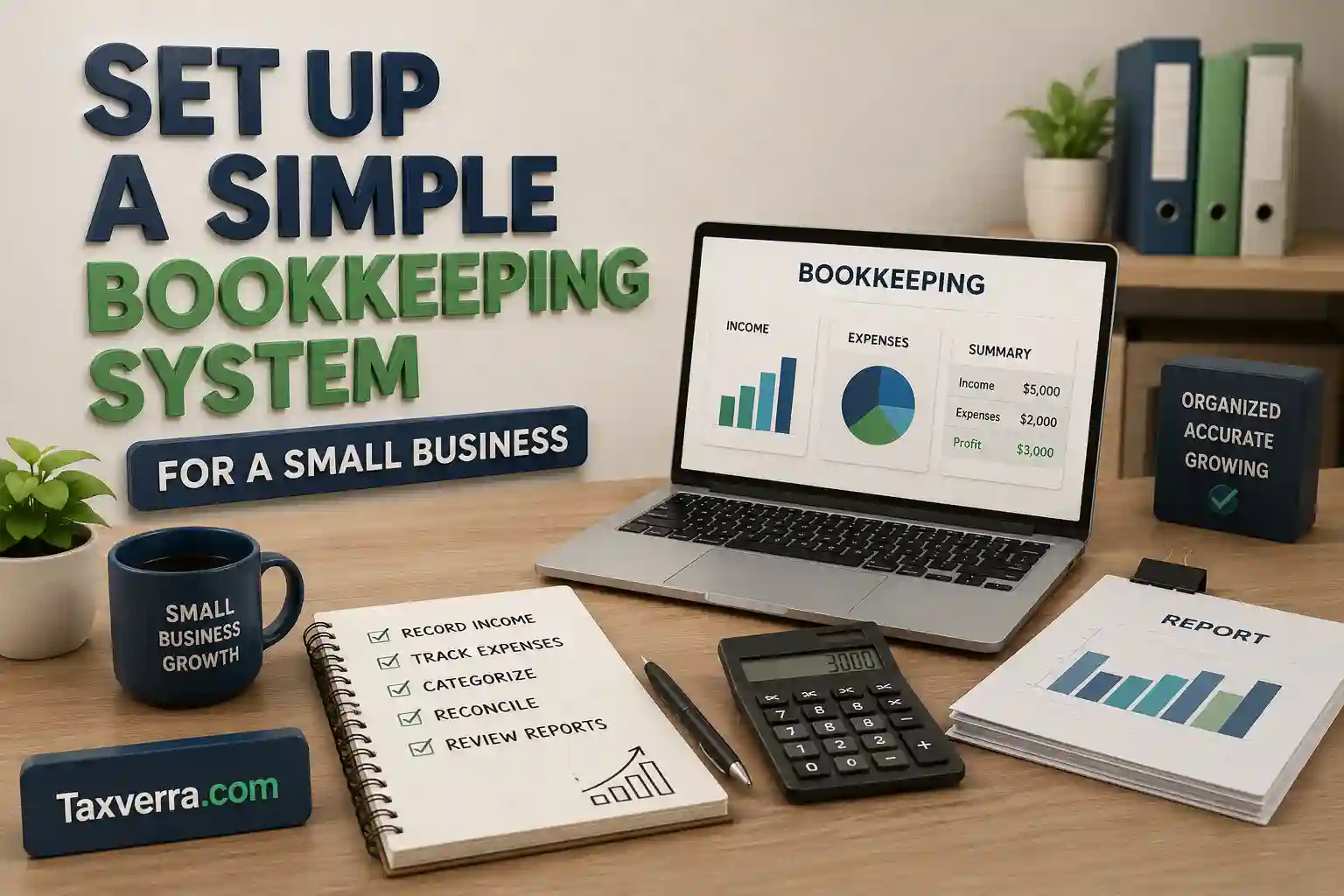
Running a small business requires more than selling products or services. One of the most important responsibilities for any business owner is maintaining accurate financial records. This is where bookkeeping plays a crucial role. A well-organized bookkeeping system helps track income, monitor expenses, manage cash flow, and prepare financial reports.
Many small business owners believe bookkeeping is complicated or only necessary for large companies. However, setting up a simple bookkeeping system for a small business is easier than most people think. With the right approach and tools, even beginners can create an effective system to keep their finances organized.
In this guide, we will explain how to set up a bookkeeping system step-by-step, the tools you need, and best practices to ensure your business finances remain accurate and well organized.
What Is a Bookkeeping System?
A bookkeeping system is a structured process used to record, organize, and track financial transactions within a business. It ensures that every transaction—such as sales, expenses, and payments is properly documented.
A bookkeeping system helps businesses maintain clear financial records and provides the information needed to prepare financial statements and tax reports.
For small businesses, a bookkeeping system usually includes:
- Recording income and expenses
- Managing invoices and receipts
- Tracking cash flow
- Organizing financial documents
- Preparing financial reports
A well-designed system allows business owners to quickly understand their financial situation.
Why Small Businesses Need a Bookkeeping System
Even the smallest businesses benefit from proper bookkeeping. Without an organized system, it becomes difficult to track financial performance and make informed decisions.
Better Financial Organization
Bookkeeping helps keep all financial transactions recorded and organized in one place.
Accurate Tax Reporting
Proper records make it easier to calculate taxes and file tax returns accurately.
Improved Cash Flow Management
A bookkeeping system allows businesses to monitor how money enters and leaves the business.
Easier Financial Decision-Making
Accurate financial data helps business owners understand profits, expenses, and opportunities for growth.
Step 1: Separate Business and Personal Finances
One of the first steps in creating a bookkeeping system is separating business finances from personal finances.
Mixing personal and business transactions can cause confusion and create problems during tax reporting.
To avoid this, business owners should:
- Open a dedicated business bank account
- Use a separate business credit card
- Avoid using personal funds for business expenses
This separation helps maintain accurate financial records and simplifies bookkeeping.
Step 2: Choose an Accounting Method
Before setting up your bookkeeping system, you need to decide which accounting method your business will use.
The two most common methods are:
Cash Accounting
Cash accounting records transactions when money is received or paid.
For example, revenue is recorded when payment is received from customers.
This method is simple and commonly used by small businesses.
Accrual Accounting
Accrual accounting records transactions when they occur, regardless of when cash is exchanged.
Revenue is recorded when it is earned, and expenses are recorded when they are incurred.
Accrual accounting provides a more accurate view of financial performance but can be more complex.
Many small businesses start with cash accounting because it is easier to manage.
Step 3: Select Bookkeeping Tools
Choosing the right bookkeeping tools is essential for maintaining an efficient system.
Businesses can choose between manual bookkeeping or accounting software.
Manual Bookkeeping
Some small businesses maintain records using spreadsheets or paper ledgers.
Although this method works for very small operations, it can become time-consuming as the business grows.
Bookkeeping Software
Most businesses prefer accounting software because it automates many bookkeeping tasks.
Popular bookkeeping tools include:
- QuickBooks
- Xero
- FreshBooks
- Wave Accounting
These tools can automatically:
- Record transactions
- Track expenses
- Generate financial reports
- Manage invoices
Using accounting software reduces errors and saves time.
Step 4: Create a Chart of Accounts
A chart of accounts is a list of all financial accounts used by a business to categorize transactions.
Each account represents a specific type of financial activity.
Common account categories include:
Assets
Assets are resources owned by the business, such as:
- Cash
- Equipment
- Inventory
Liabilities
Liabilities represent money the business owes, including:
- Loans
- Accounts payable
Equity
Equity represents the owner’s investment in the business.
Revenue
Revenue accounts track income from sales and services.
Expenses
Expense accounts record costs such as:
- Rent
- Utilities
- Office supplies
- Marketing costs
A clear chart of accounts makes it easier to track financial activity.
Step 5: Record Financial Transactions
The core function of bookkeeping is recording all financial transactions accurately.
Transactions that should be recorded include:
- Sales revenue
- Business expenses
- Customer payments
- Vendor payments
- Payroll transactions
These transactions are typically recorded in a general journal and later transferred to the general ledger.
Maintaining consistent and accurate records ensures that financial reports remain reliable.
Step 6: Manage Invoices and Receipts
Invoices and receipts serve as supporting documents for financial transactions.
Small businesses should create a system for organizing these records.
Best practices include:
- Keeping digital copies of receipts
- Storing invoices in organized folders
- Using cloud storage for financial documents
Many accounting software platforms allow users to scan and store receipts automatically, making record keeping easier.
Proper documentation is essential for tax preparation and audits.
Step 7: Reconcile Bank Accounts
Bank reconciliation is the process of comparing your bookkeeping records with your bank statements.
This step helps ensure that:
- All transactions are recorded correctly
- There are no missing or duplicate entries
- Errors are identified and corrected
Reconciling accounts regularly usually monthly helps maintain accurate financial records.
Step 8: Track Accounts Payable and Receivable
A good bookkeeping system tracks money coming into the business and going out of the business.
Accounts Receivable
Accounts receivable represents money customers owe to the business.
Tracking these balances helps ensure timely payments.
Accounts Payable
Accounts payable represents bills that the business needs to pay to suppliers or service providers.
Monitoring these obligations helps prevent missed payments.
Managing both accounts helps maintain healthy cash flow.
Step 9: Generate Financial Reports
Financial reports provide insights into the financial performance of a business.
The most important financial reports include:
Income Statement
The income statement shows revenue, expenses, and profit over a specific period.
Balance Sheet
The balance sheet displays the company’s financial position by listing assets, liabilities, and equity.
Cash Flow Statement
This report tracks cash entering and leaving the business.
These reports help business owners evaluate performance and make informed decisions.
Step 10: Review and Maintain Records Regularly
A bookkeeping system requires regular maintenance.
Business owners should review financial records weekly or monthly to ensure everything is accurate.
Regular bookkeeping tasks include:
- Recording transactions
- Reconciling bank statements
- Reviewing financial reports
- Organizing receipts
Consistent record keeping helps prevent financial errors.
Common Bookkeeping Mistakes Small Businesses Should Avoid
Many small businesses make bookkeeping mistakes that can create financial problems.
Mixing Personal and Business Finances
This makes financial tracking difficult and complicates tax reporting.
Failing to Record Transactions Regularly
Delaying record keeping increases the risk of errors.
Losing Receipts and Documents
Missing documentation can cause issues during tax filing or audits.
Ignoring Bank Reconciliation
Unreconciled accounts may hide financial discrepancies.
Avoiding these mistakes helps maintain an accurate bookkeeping system.
Benefits of a Simple Bookkeeping System
Setting up a simple bookkeeping system offers many advantages.
Financial Clarity
Business owners gain a clear view of income, expenses, and profitability.
Better Business Planning
Accurate records help businesses plan budgets and forecast future growth.
Easier Tax Preparation
Well-organized records make tax filing faster and more accurate.
Increased Business Efficiency
A good bookkeeping system reduces time spent searching for financial information.
When to Hire a Bookkeeper
As businesses grow, financial records become more complex.
Business owners may consider hiring a professional bookkeeper when:
- Financial transactions increase
- Record keeping becomes time-consuming
- The business needs more accurate financial reports
A professional bookkeeper ensures that financial records remain organized and compliant with accounting standards.
Frequently Asked Questions
What is the easiest bookkeeping system for small businesses?
The easiest system is a simple cash-based bookkeeping system using accounting software like QuickBooks or Wave.
How often should bookkeeping be done?
Small businesses should update their bookkeeping records at least once a week and reconcile bank accounts monthly.
Can I do bookkeeping myself?
Yes. Many small business owners manage their own bookkeeping using accounting software and basic financial knowledge.
What records should small businesses keep?
Businesses should keep invoices, receipts, bank statements, payroll records, and financial reports.
Conclusion
Setting up a simple bookkeeping system for a small business is essential for maintaining organized financial records and understanding business performance. By separating finances, choosing the right accounting method, recording transactions accurately, and using accounting software, business owners can create an efficient bookkeeping system.
Consistent bookkeeping helps businesses track cash flow, prepare financial reports, and comply with tax requirements. With the right system in place, small business owners can focus on growing their business while maintaining strong financial control.

